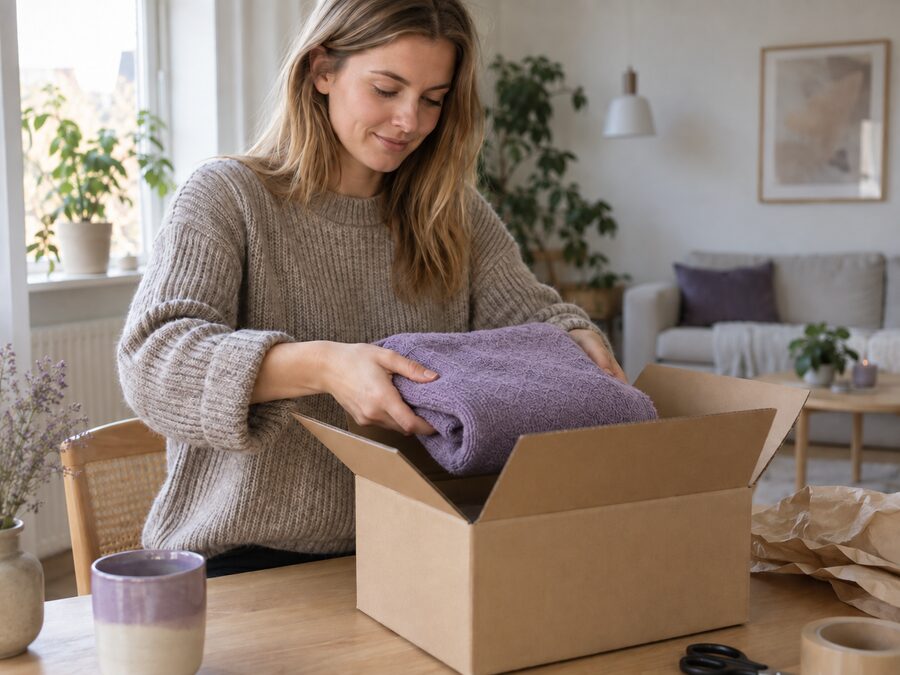
Find your online store
Search for the store and follow its instructions to register the items you want to return.
Find the online store where you placed your order. If it uses Returpakken.dk, follow its return instructions and get your return label in one place.
From starting a return to receiving and inspecting the item at our warehouse in Denmark.
Search for the store and follow its instructions to register the items you want to return.
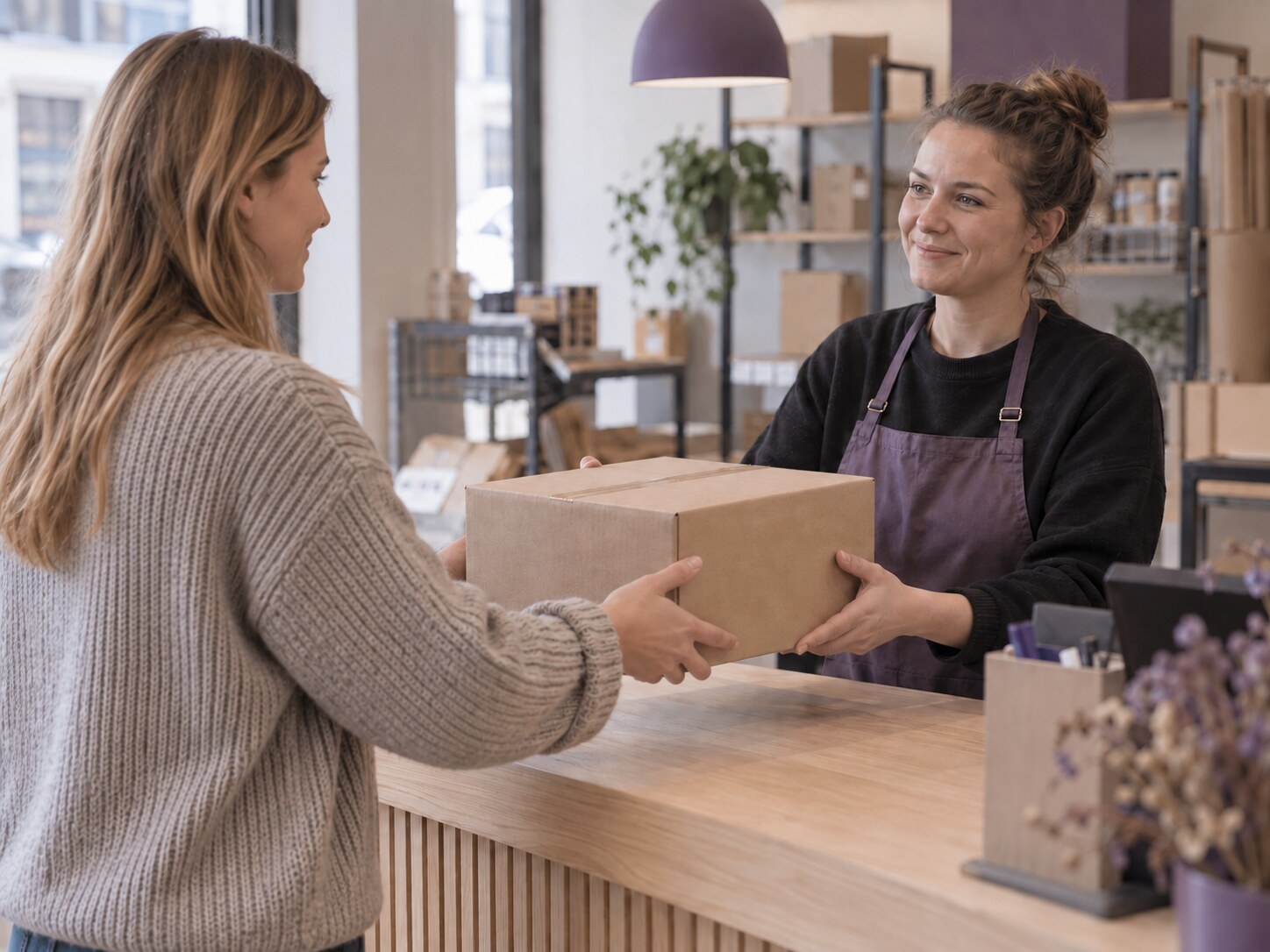
Print the label at home or, where offered, use a QR code at a parcel shop.
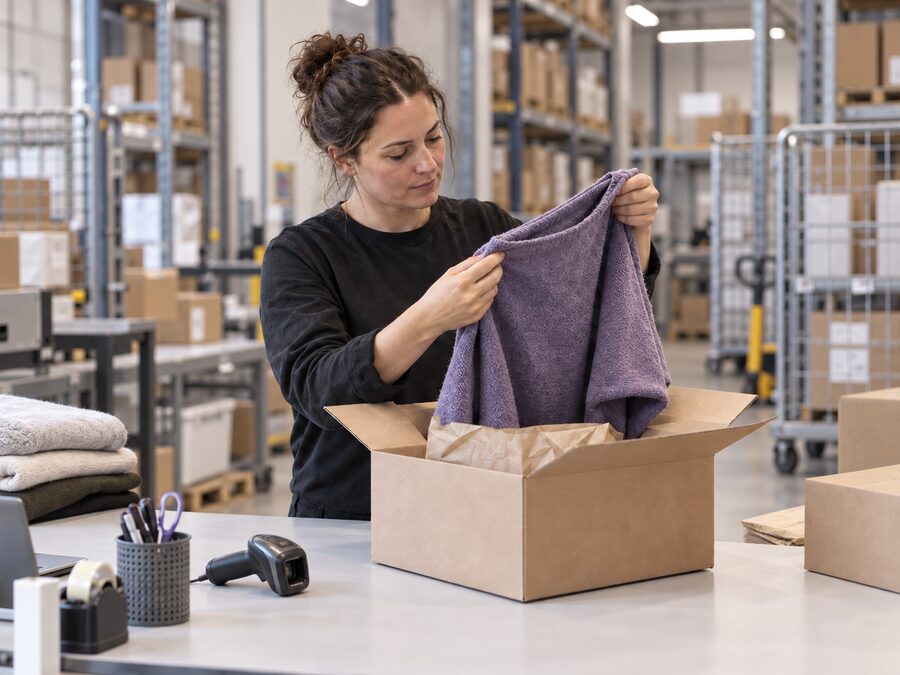
Hand the parcel to the selected carrier. The store is notified once the return has been received and processed.
We connect your customer’s return journey with physical returns handling at our Danish warehouse. This makes returns easier for your customers and reduces manual work for your team.
Ask Sendr about returns →We receive the parcel at our warehouse and match it to the correct order and item.
We inspect the item against the criteria agreed with you and report its condition.
Your team is notified when a return arrives and has been processed.
Order and return data can be connected to our warehouse management workflow.
Answers to common questions about the return portal, labels and returned items.
The customer finds their store on Returpakken.dk and follows its return instructions.
Yes, if the store offers QR returns. The customer can show the code at a participating parcel shop to have the label printed.
The store is notified once the parcel has arrived and has been processed according to the agreed criteria.
A clearer return journey, less manual work and better visibility into receiving, inspection and status.
A consistent process, inspections based on your criteria and timely updates.